If you have used Freepik for stock photography for years and recently found yourself on a website called Magnific, you are in the right place. Freepik changed its name to Magnific on 28 April 2026, bringing its stock library, upscaler and all its AI tools together under one brand.
Magnific is now one of the most versatile creative AI platforms. We often use it in my training sessions for marketing teams because it covers almost every visual marketing task, from product photographs and campaign creatives to video. In this article, I go through its main features and show how you can build workflows that take repetitive work off your team’s hands.
Table of Contents
What is Magnific?
Magnific is the new name for Freepik. Freepik started as a stock photography and graphics website, then acquired the AI upscaler Magnific in May 2024, marking its move into generative AI. The two brands operated alongside each other for two years. Since the rebrand, everything has been available in one place under the Magnific name.
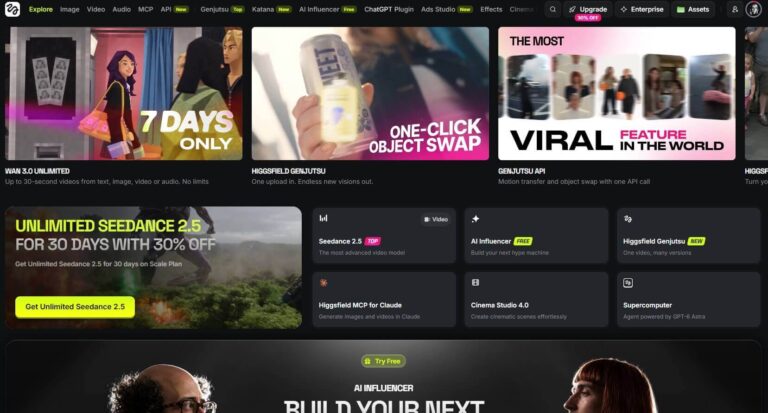
The key point is that Magnific is an aggregator platform. It brings leading image, video and audio generation models together in one interface, with its own editors and workflow tools built around them. In this respect, it is similar to Higgsfield. I use both regularly, and both develop from week to week, so I recommend trying them to see which fits your work better.
Stock library and licensing
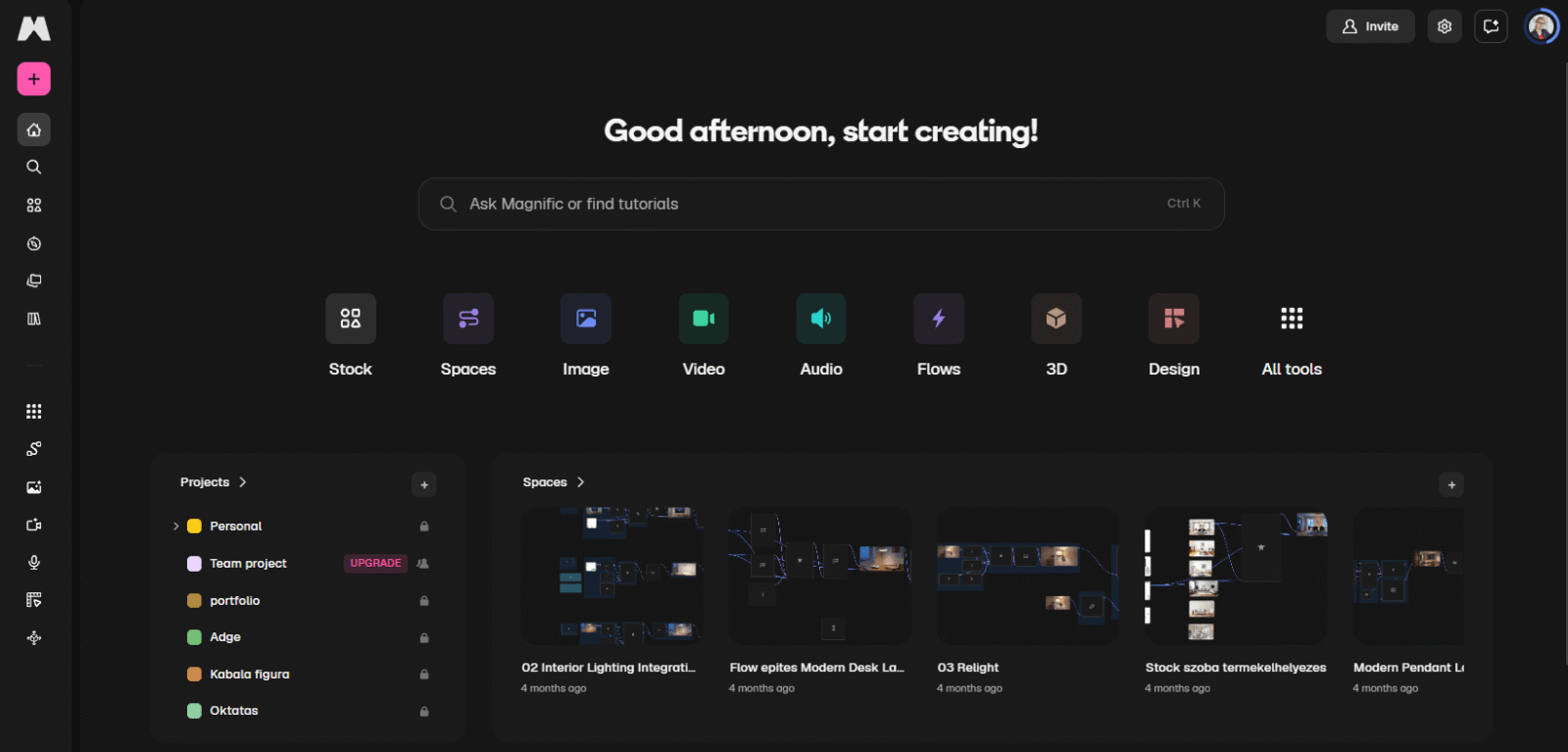
A Magnific subscription still gives you access to the full stock library, with hundreds of millions of images, videos and graphics. You can also use AI to adapt those existing assets, editing them and tailoring them to your own campaigns.
Magnific’s own licence governs how the content can be used. Paid plans allow stock assets to be used commercially without attribution, and the licence also covers work created for clients. The free plan requires attribution. Paid plans provide a commercial licence for AI-generated content.
Details such as using an asset as a logo or printing it on products are covered by separate provisions. Magnific also notes that the copyright status of AI-generated content varies between countries. Always check the precise rules in Magnific’s current licensing documents.
Image generation: models, styles and characters
The image generator includes leading models such as the Google Nano Banana family, Seedream, GPT Image, Flux, Ideogram, Recraft and Magnific’s own models. You can choose which one to work with and, depending on the model, enable additional controls.
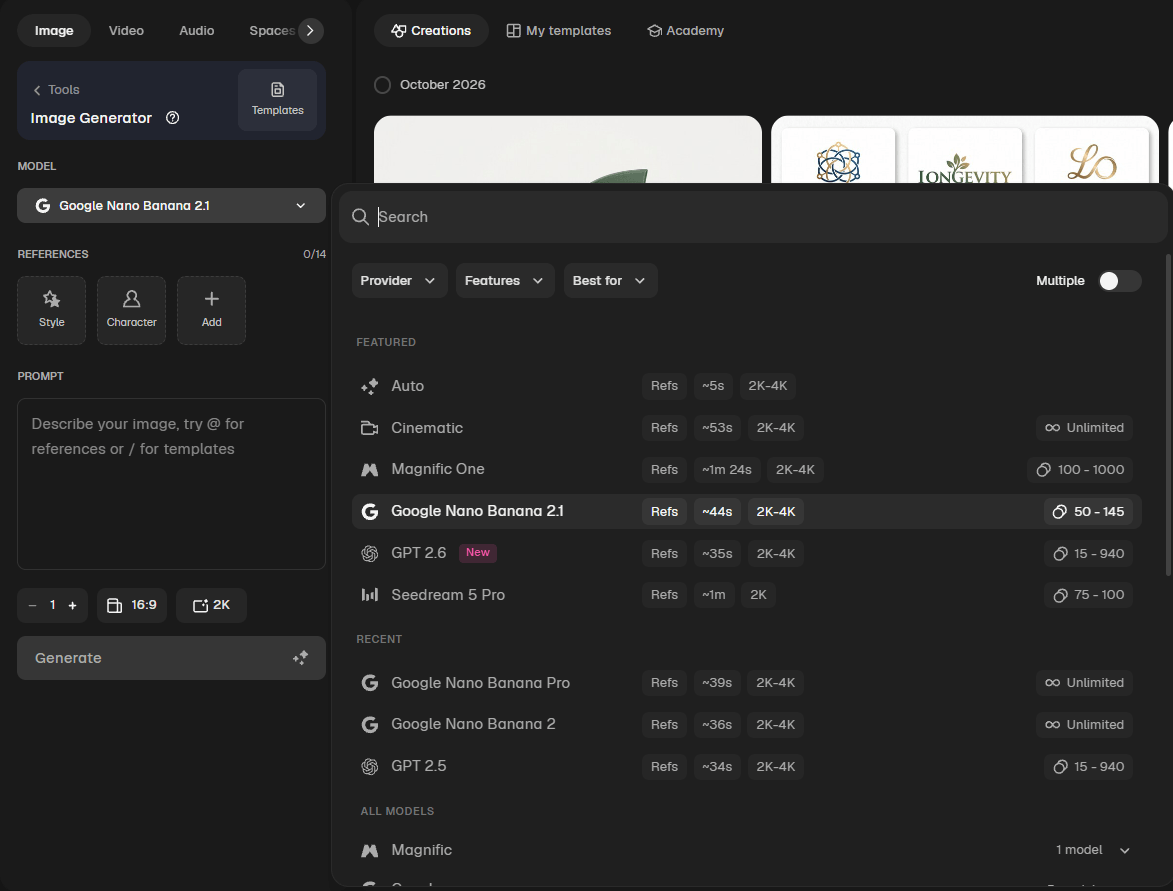
These controls are where Magnific’s real strength lies. You can choose preset styles and specify a colour palette, effects and camera settings. Most importantly, you can create your own style. If you have four or five images with a look you like, you can create a style from them and use it for subsequent generations. The same approach works for characters and products: build a character or product from a few photographs, then select it whenever you need it instead of uploading the references each time.
This helps keep a brand’s visual identity consistent, whoever on the team is generating the content.
Editing existing images
One of Magnific’s biggest strengths is the ability to make professional edits to images you already have.
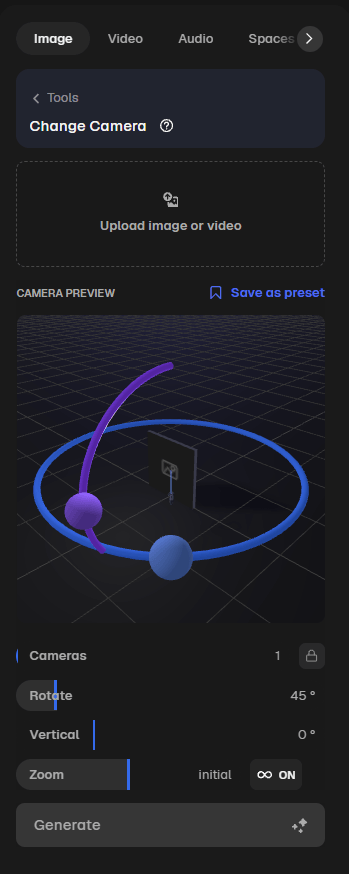
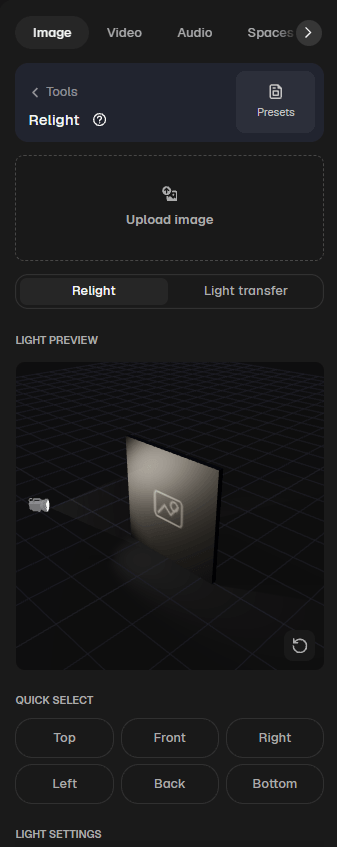
Change Camera lets you adjust the viewpoint and lens, move closer to or further from the subject, and show the same scene from a different angle. Relight lets you change the lighting, specify the direction of the light sources and generate several lighting setups at once. This is a huge help with product photography because a single good photograph can become a complete, visually consistent photo series.
The familiar editing tools are also available. You can modify a selected part of an image, create multiple variations, remove the background and use Magnific’s namesake feature, its upscaler, to increase the resolution several times over.
Video generation
The video generator also offers leading models, including Seedance, with the latest 2.5 version, Kling, MiniMax, Google Veo and Runway. Depending on the model, you can provide start and end frames, work from existing video, and use several reference images at once.
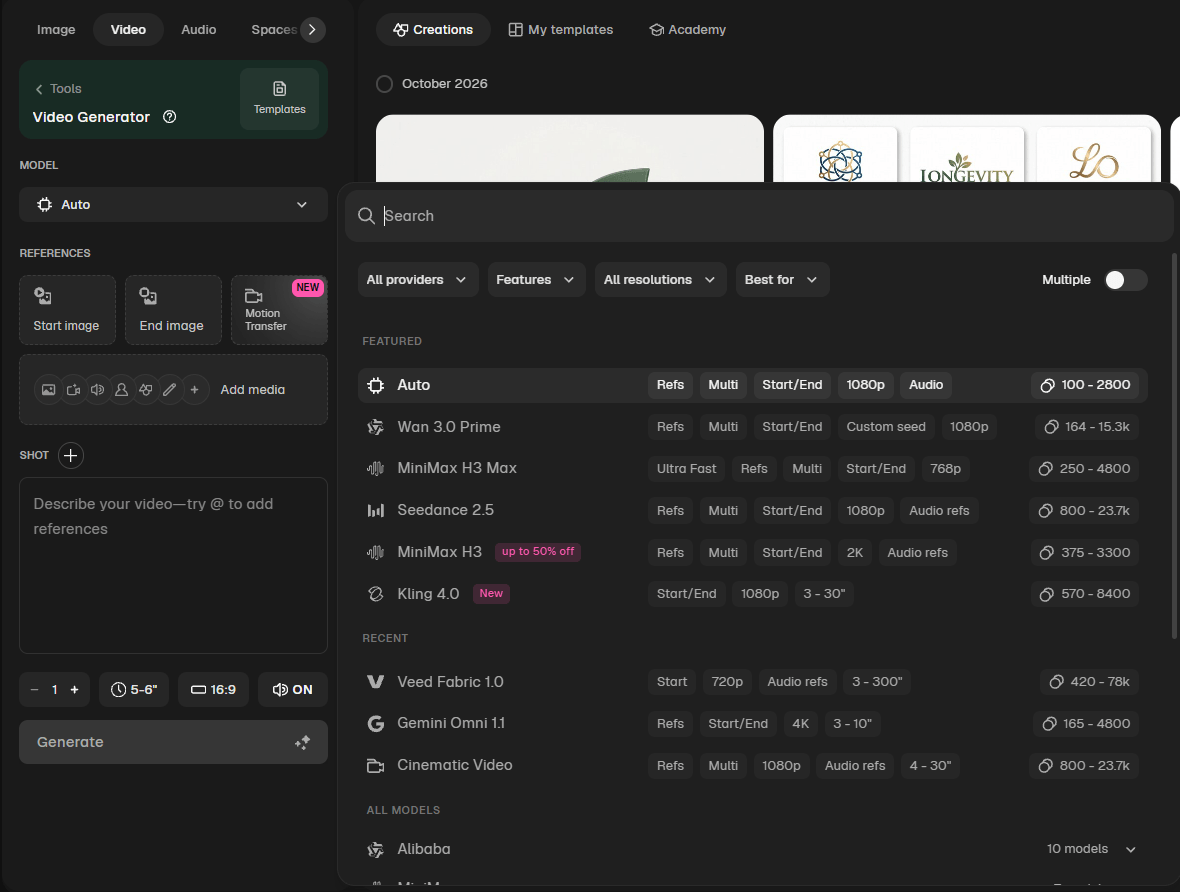
Styles, characters and products work here too, so the visual world you establish in your images carries through to your videos. You can also upscale finished clips within Magnific, turning a 1080p generation into a 4K asset without leaving the workspace.
Alongside video generation, there is Magnific Move, which creates motion graphics: animated text, logo animations, charts and product announcement videos. It is designed for animated marketing content rather than cinematic scenes generated from a written description.
Audio, music and sound effects
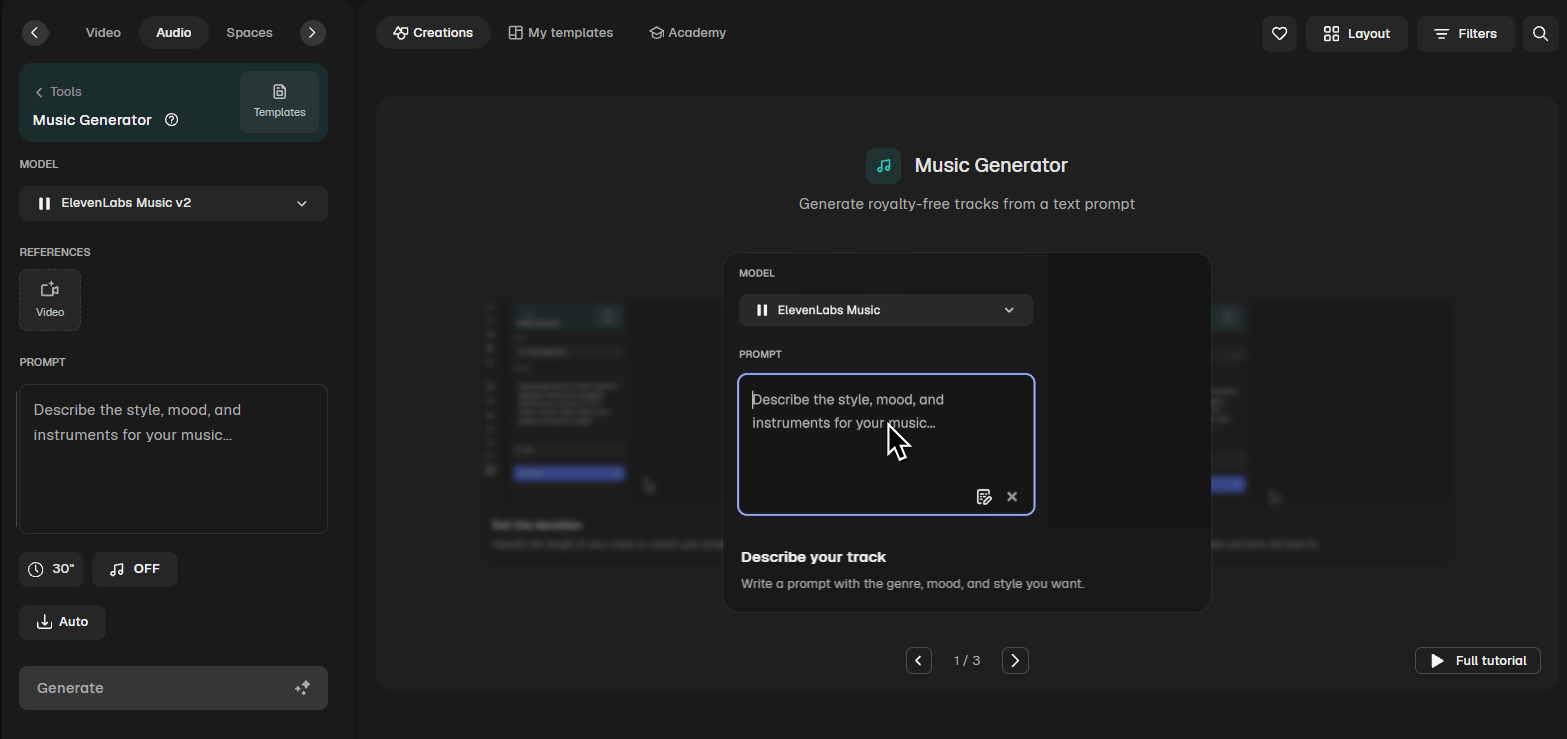
Magnific’s audio tools deserve a mention of their own. ElevenLabs and Google Gemini audio generation are available, allowing you to create narration and voice-overs in different languages, including Hungarian, with a wide choice of voices.
There is also a music generator and a sound effects generator. If your video needs a click, a whoosh or another sound effect, you can create it here. Voice cloning lets you use your own voice, while the voice changer lets you replace the voice in a video.
Design, 3D and panoramas
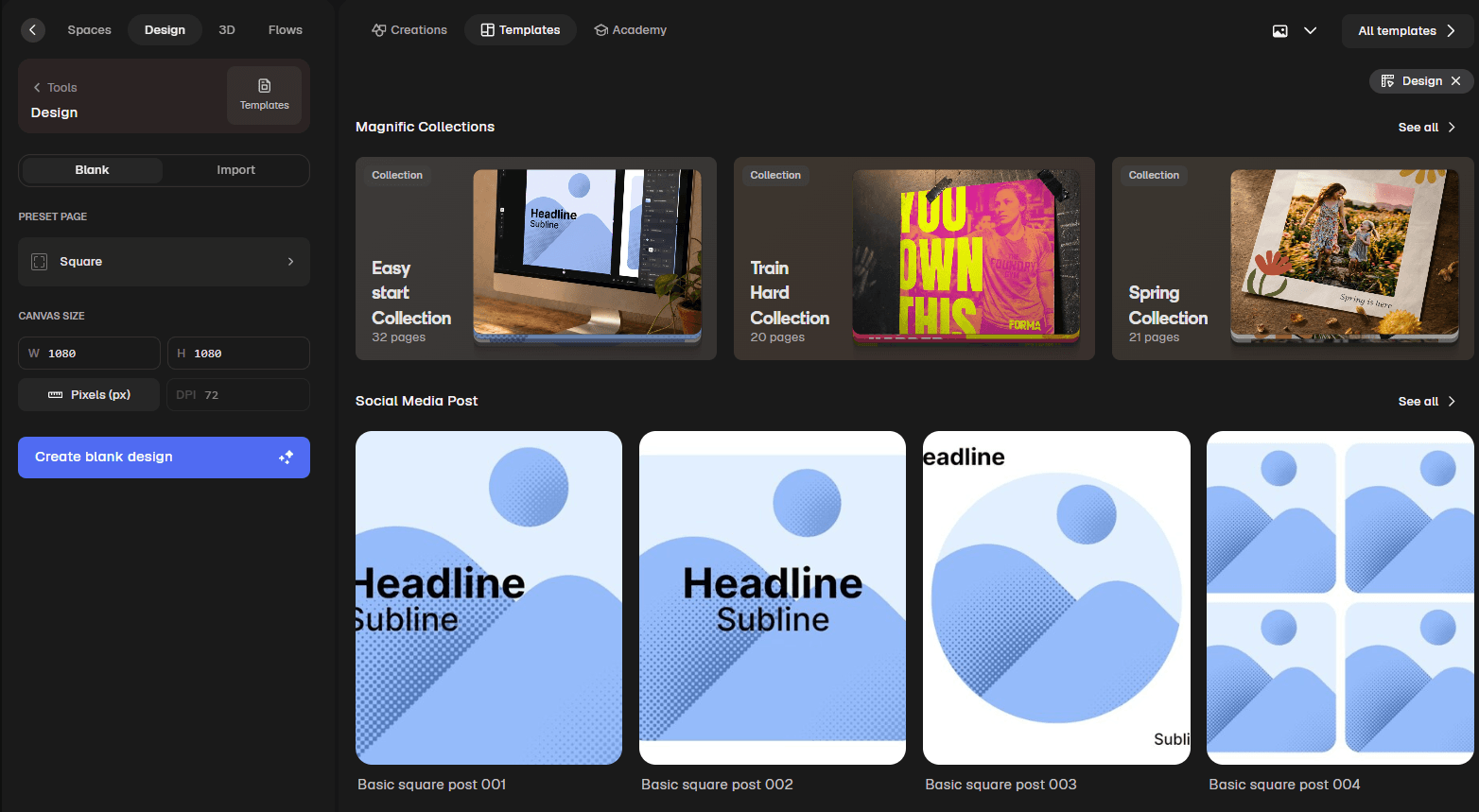
The Design feature uses predefined templates, for example for a social media post, where you specify the positions of the headline, background image and logo. You can then insert the generated image into the template and automate the process.
You can also build 3D scenes, design 3D objects and characters, and create 360-degree panoramic images.
Spaces and Flows: workflows that do the work for you
If I could highlight just one part of Magnific, this would be it. Spaces is a canvas where you can connect tools in sequence to build a reusable workflow. The components are called nodes and can include assistants, image and video generators, text and design templates.
Here is an e-commerce example. The workflow starts with a product photograph on a white background. I connect it to an assistant that can see the image and understand the product. I ask it to create a Christmas campaign creative, and the workflow runs: it generates the images and copy in as many variations as I request. The next step creates portrait, landscape and square formats, potentially in several languages. Once I have built the workflow, I only need to replace the product photograph at the start, and the same process runs for every product.
A Space can also become a Flow. A Flow is the same workflow behind a simpler interface: the user selects a product, specifies whether the creative is for Christmas, Easter or Halloween, and presses Start. Everything else follows the settings I defined in Spaces. This means I can hand the workflow over to a colleague safely, so they can generate content in batches without changing the underlying setup.
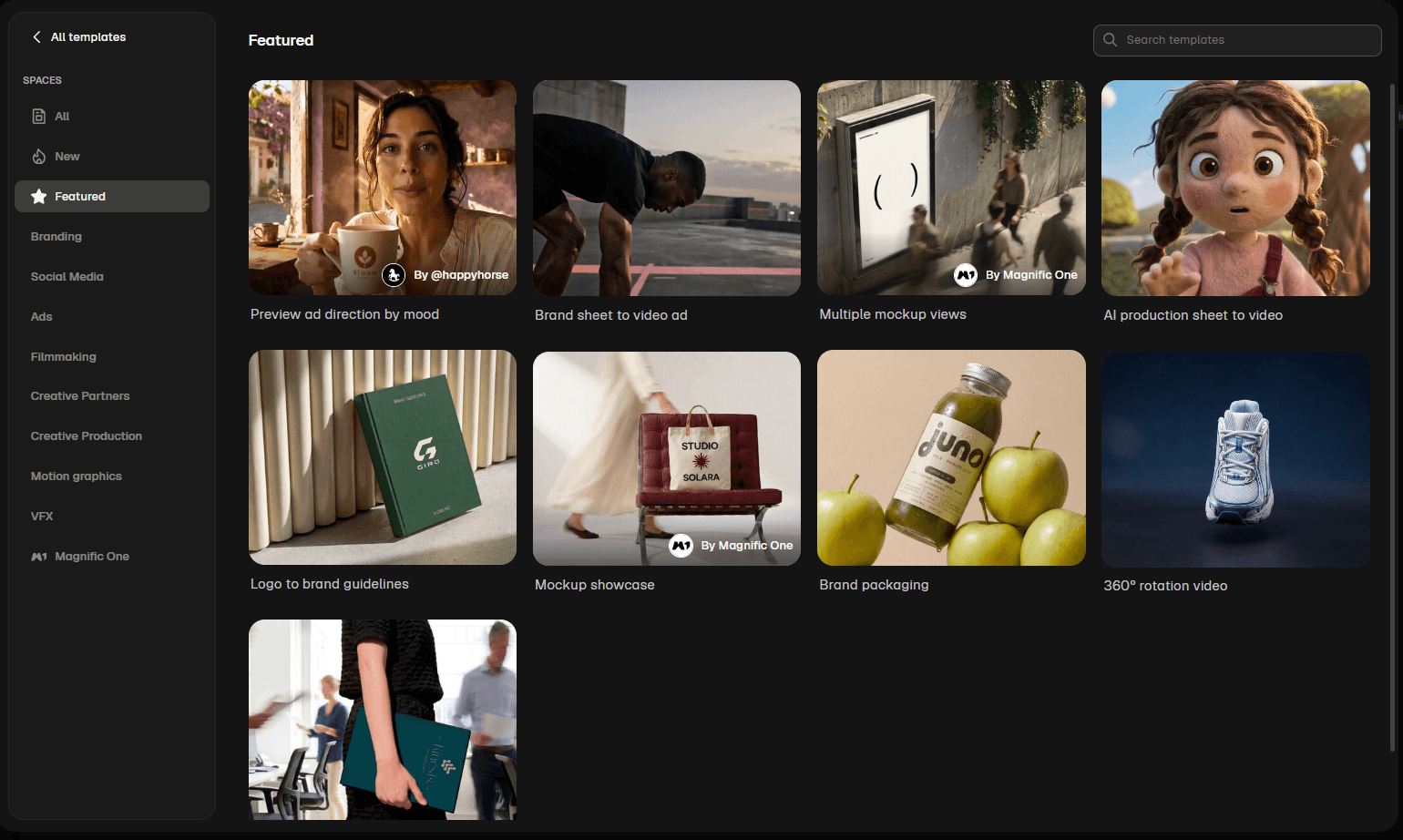
There are also plenty of ready-made templates: workflows built by other people that you can copy and adapt to your own needs.
Teamwork and projects
Magnific is also well equipped for teamwork. You can create a separate project for each task or client and organise folders within it. This is particularly useful when working for several clients or on multiple projects at once.
With a team subscription, each member has their own account. You can create shared projects and work in shared folders. One person can start a task, and another can pick up where they left off.
MCP and API: using Magnific from Claude AI and ChatGPT
Magnific can also connect to other tools. Through an MCP connection, you can use it from Claude or ChatGPT, requesting an image, starting a video generation or running a Flow within a conversation. This is how I work: I plan a task with Claude, then generate directly in Magnific from there. If you are interested in Claude’s working environment. An API is also available for developers.
Plans and pricing
Magnific uses a subscription-based, credit-based system, with several plans for individuals and teams. I deliberately avoid quoting exact prices because they change quickly. Before subscribing, look beyond the monthly fee and check how many credits a real task uses and how large an allowance you need in a typical month.
If you would like your marketing team to build its own workflows in Magnific and automate recurring tasks, take a look at how I can help.

AI video production
Whether you need a short commercial that highlights your product or service, or a complete introduction to what your business offers, we can create it entirely with artificial intelligence.